AI at Home: Common Mistakes UK Homeowners Make (And How To Fix Them)
AI at Home: Common Mistakes UK Homeowners Make (And How To Fix Them)
AI is no longer a sci‑fi idea. It sits in your living room speaker, your doorbell camera, your heating app, and even the software your business uses every day.
Used well, it can save time and money. Used badly, it can waste energy, expose private data, and make bad decisions feel strangely "official."
Key Takeaways
- AI tools are only as good as the instructions and data you give them.
- Most household AI mistakes are fixable with settings, supervision, and simple habits.
- Never treat AI as a legal, financial, or safety authority; always double‑check.
- Good privacy settings and access controls matter as much as clever features.
Mistake 1: Treating AI Like a Magic Expert
Many people assume AI is always right because it sounds confident. In reality, it predicts likely answers based on patterns, and those patterns can be wrong or outdated.
This shows up when someone asks a chatbot for legal wording on a tenancy agreement, or medical advice, and then copies it without checking. That can create real risk if the information is inaccurate or not valid in the UK.
AI is brilliant at drafting first ideas, not at replacing qualified professionals.
Fix this by using AI for drafts and options, then verifying key details with trustworthy UK sources or experts.
Mistake 2: Ignoring Privacy and Data Settings
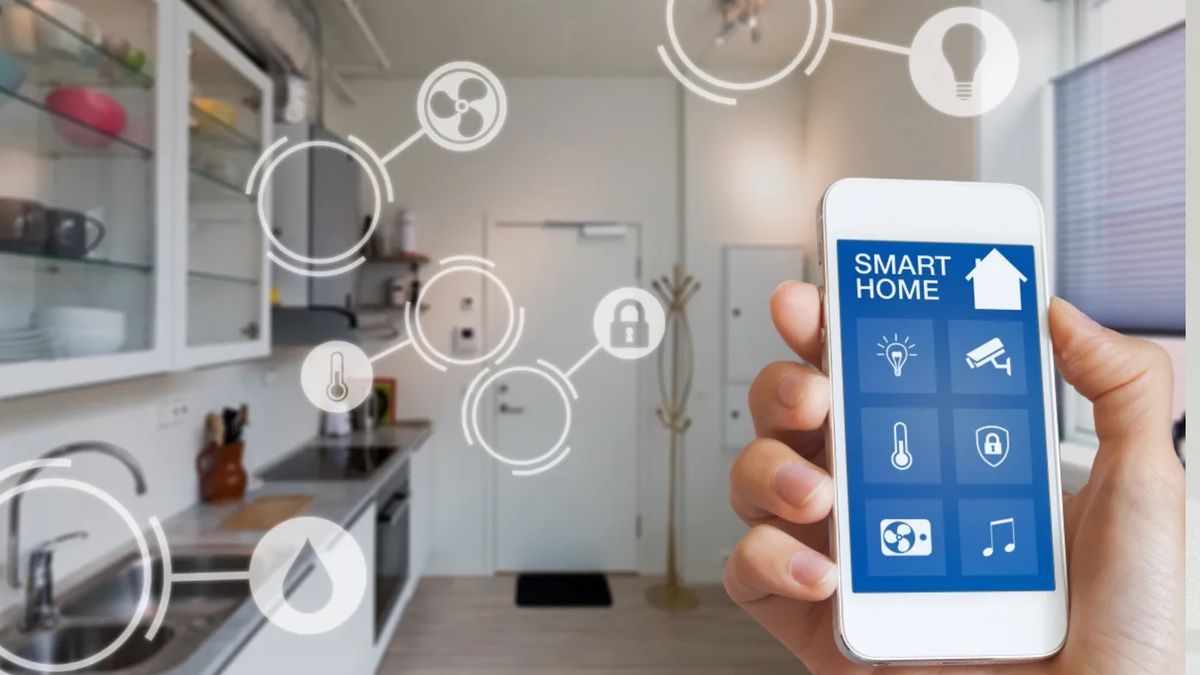
Smart speakers, cameras, and thermostats collect data about your home. Too often, people leave everything on default settings, which may mean more data sharing than they realise.
In the UK, companies must follow data protection rules, but you still need to choose how much you share. For example, some devices store recordings in the cloud by default, or keep detailed location history.
Mistake 3: Over‑Automating the Home
Smart heating that never quite feels right. Lights turning off while you are reading. Security alerts triggered by your own cat. Over‑automation is frustrating and can cost money.
Often the issue is that automations were set up quickly and never tuned. UK homes vary a lot in insulation, layout, and occupancy patterns, so generic AI rules rarely fit perfectly.
How To Set Up Home AI the Right Way (Step‑by‑Step)
- List your real needs. Write down what problems you want AI to solve: cutting energy bills, improving security, managing work emails, or helping with content creation.
- Audit what you already have. Check your current phones, routers, smart TVs, speakers, and apps. Many already include AI features you can configure instead of buying new gadgets.
- Tighten privacy first. On each device, open the settings and turn off data sharing you do not need, review microphone and camera access, and enable two‑factor authentication for accounts.
- Start with one or two small automations. For example, set your smart thermostat to learn your schedule, or use an AI email filter for newsletters only. Live with the change for a week before adding more.
- Give AI clear, local instructions. When using chatbots or writing tools, mention that you are in the UK, the type of home you have (flat, terrace, semi‑detached), and your rough budget.
- Review the results weekly. Check energy use, false security alerts, or content quality. Adjust or remove automations that create hassle.
- Document the important settings. Keep a simple note of how to change heating schedules, camera sharing, and who has access. This helps family members and avoids confusion later.
Quick Safety and Caution Checklist
- Never rely on AI alone for medical, legal, or financial decisions.
- Do not point indoor cameras at bedrooms or bathrooms.
- Turn on account security features like two‑factor authentication.
- Regularly update device firmware and app versions.
- Explain to visitors if audio or video recording is active in shared spaces.
Mistake 4: Forgetting About Everyone Else in the House
One person often sets up the tech and becomes the “AI gatekeeper.” When they are away, no one knows how to silence the alarm, change the heating, or adjust the routines.
Good AI use at home is shared use. Make sure everyone who lives there knows the basics and feels able to override the system when it gets things wrong.
Mistake 5: Using AI at Work Without Clear Boundaries
Many UK professionals now drop work text, client notes, or even draft contracts into public AI tools. That can breach confidentiality or employer policies, especially in sectors like finance, law, and healthcare.
If you use AI for work, check your company’s rules and, where possible, use approved tools that keep data within the organisation.

Using AI Well: A Practical Mindset for UK Users
AI works best when you treat it like a smart assistant, not a boss. Ask it to suggest, draft, and summarise, then apply your own judgement.
For homeowners, fans, and professionals alike, the goal is modest: fewer chores, clearer information, and better‑run homes and projects. That comes not from more AI, but from more thoughtful AI.
Clarity in writing comes from structure, not length.